The INS-2 Document Camera captures 4K images with a 13MP sensor, A3-size viewing area, compact design, creative Documate software features, and seamless plug-and-play. Elevate your visual experience effortlessly for engaging teaching and meetings.
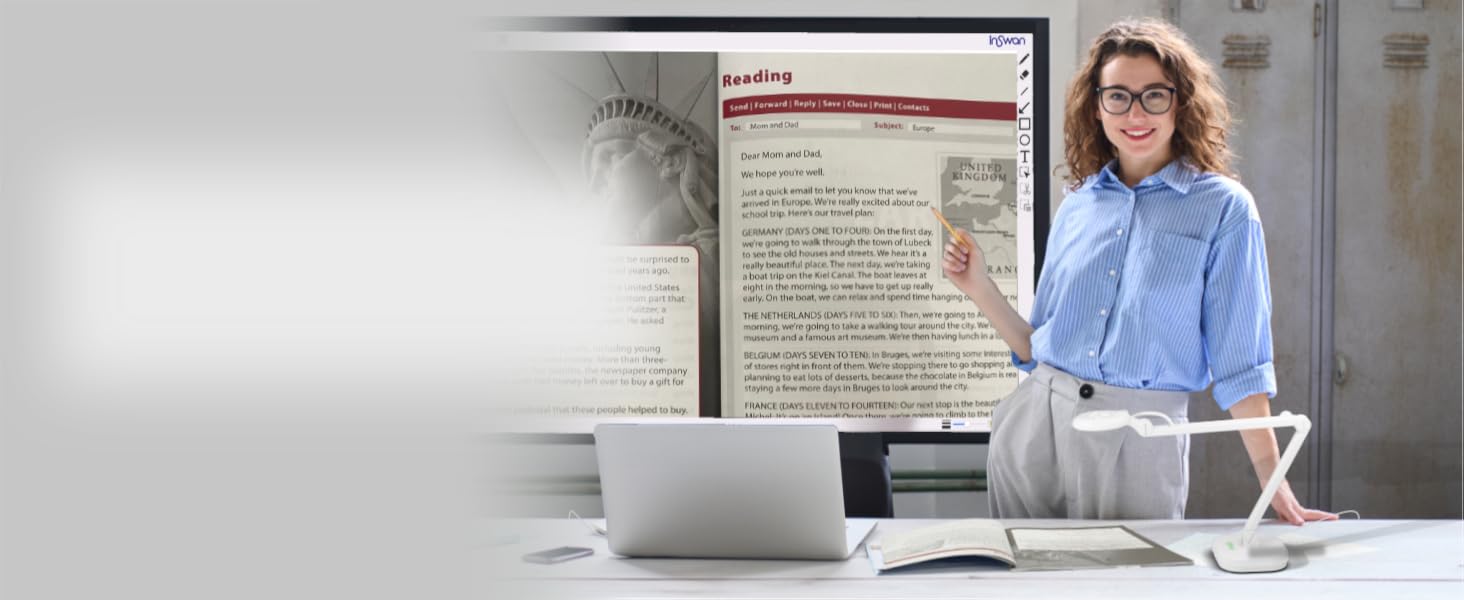
Use INS-2 Document Camera to capture 4K images for ultra-clear projection to the big screen!
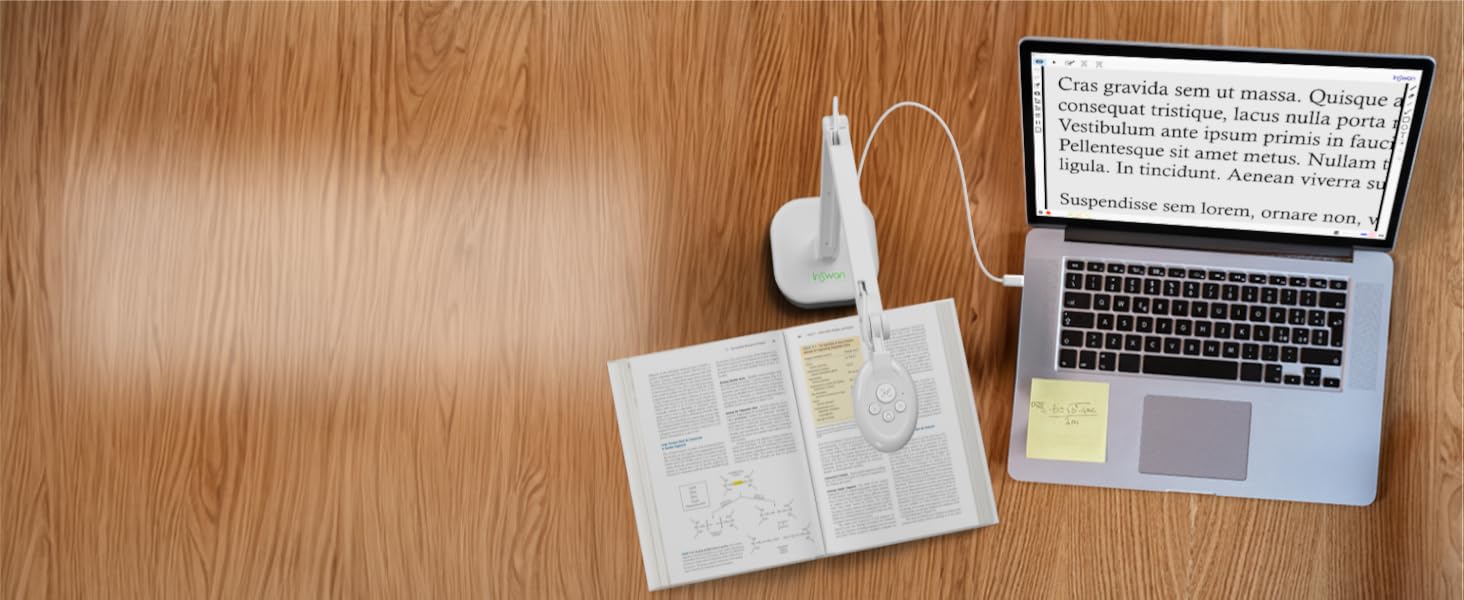
Adjust the multi-joint arm to any height to present live images up to A3 size or precise objects.
The 13MP Sony sensor captures 4K images, with macro for precise shots as close as 3.9 inches (10cm).
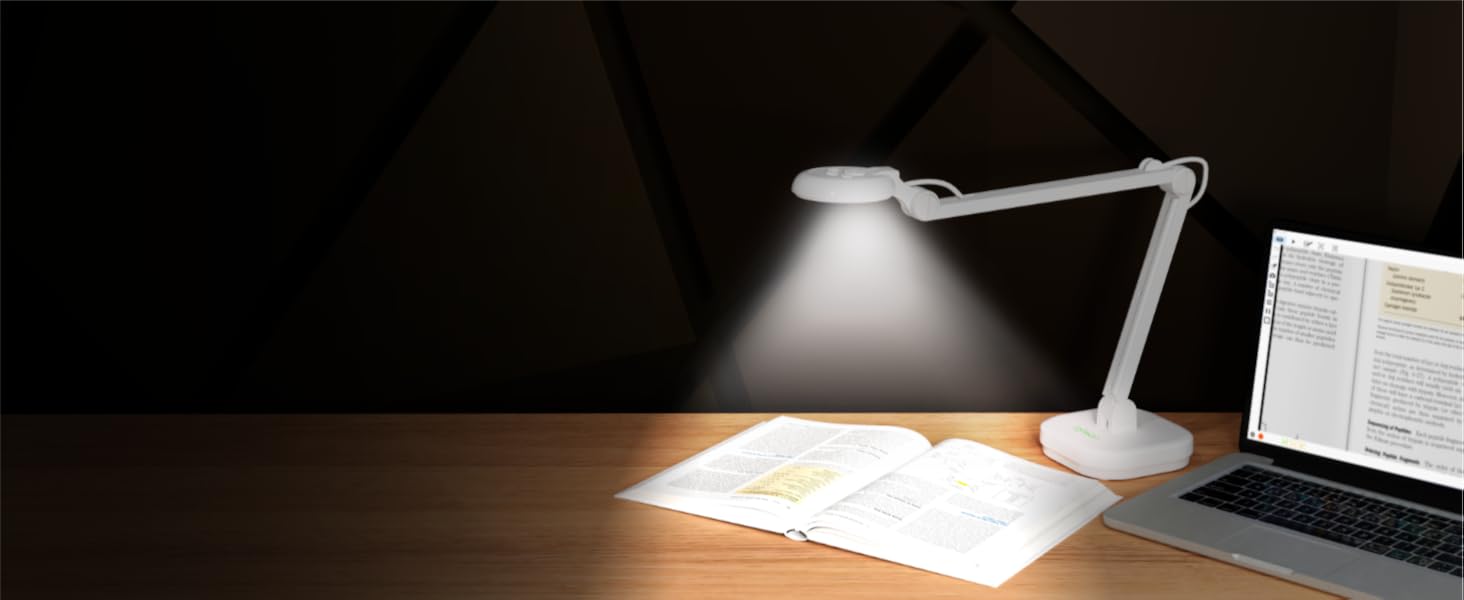
The INS-2 Document Camera’s built-in LED enhances visibility in low-light conditions.
Compatible with Windows 7/8/10/11, Mac (OS 10.13+), Chromebook(38.0+), iPad (OS18.0+), webinar apps.
Discover our Supplemental LED Light with Automated Exposure Control!
Experience Crystal Clear Audio with the Built-in Stereo Microphone - Perfect for Web Conferencing and Online Teaching!
The multi-joint arm allows flexible angles, a wider capture range, and effortless adjustments for smooth presentations.
Single mode maintains a consistent focus, so there's no need to worry about losing focus due to hand movements. You can confidently take notes during shooting without concern about blurry images.
In capturing moving objects, the continuous mode autofocus feature seamlessly switches focus points between different objects, ensuring clarity every time.
Documate offers zoom, rotation, snapshot, annotation, scanning, video recording, code scan mode, and a shortcut keyboard with 7 shortcuts: Ctrl + Scroll Up (Zoom in), Ctrl + Scroll Down (Zoom out), Ctrl + Z/Y (Undo/Redo), Ctrl + S (Snapshot), Ctrl + R (Record), Ctrl + F (Autofocus).
How is INS-2 document camera different from other devices?
INS-2 document camera feature 13 MP camera for real-time 4K UHD image capture, along with dual-mode autofocus for static / moving objects. It can also capture A3-size still images and live videos. An essential document camera for teachers!
Can I use the USB document camera to project directly to a TV or projector without connecting it to a computer?
As the camera requires a computer or laptop to process and display the image. It's necessary to connect the INS-2 to a computer/laptop first via USB. Then, connect the computer or laptop to the screen or projector via a VGA or HDMI cable.
Does the document camera support iPads?
Yes, as long as:
- USB-C iPad with iPadOS 17+ required (no Lightning models).
- iPadOS 18+ is needed to install and fully use Documate app.
- Camera uses a USB-A connector, a USB-C to A adapter is required.
- Search “ Documate” in App Store.
How can I shoot 1080P / 2160P high-definition live video and fix image mirroring?
Some webinar app mirrors images at host end and drop image resolution by default.
Solve by:
1.Plug in INS-2 document camera
2.Launch any webinar software/Documate to display the live image
3.Simultaneously press brightness +/- buttons to flip image
How can I capture static and moving images clearly with the INS-2 document camera?
The INS-2 documents camera comes with dual mode. Switch to single mode to capture static objects (To avoid refocus interference while your hands are moving, choose this mode). Select continuous mode to easily capture clear moving images!
4K
13MP
A3-size viewing area
compact design
Documate software
plug-and-play
4K images
up to A3 size
13MP Sony sensor captures 4K images
as close as 3.9 inches (10cm).
built-in LED
Windows 7/8/10/11, Mac (OS 10.13+), Chromebook(38.0+), iPad (OS18.0+), webinar apps.
Supplemental LED Light
Experience Crystal Clear Audio with the Built-in Stereo Microphone - Perfect for Web Conferencing and Online Teaching!
Single:
Continuous:
The multi-joint arm allows flexible angles, a wider capture range, and effortless adjustments for smooth presentations.
7 shortcuts: Ctrl + Scroll Up (Zoom in), Ctrl + Scroll Down (Zoom out), Ctrl + Z/Y (Undo/Redo), Ctrl + S (Snapshot), Ctrl + R (Record), Ctrl + F (Autofocus).




Product description
Enhance Teaching and Business Presentations with INS-2 4K Document Camera
INS-2 Document Camera ─ Your All-In-One Solution!
Supplemental LED Light
Built-in Microphone
Dual Mode AutoFocus
Multi-Joint Arm
Dual-Mode Autofocus allow you to capture crisp image in any conditions
Static focus stays on point:
Ins-2 auto-focus single
Dynamic Autofocus
Ins-2 autofocus-continous
Exclusive Documate Software Brings In-Person/Online Presentation Come to life!
In-Class Teaching
Present textbooks, worksheets, and real objects clearly in 8MP.
Web Conferencing
Stay connected with students and colleagues, wherever you are.
Smarter Distance Learning
Learning from home has never been this clear and fun.
Perfect for Large Classrooms
Clearly display large documents and two-page spreads for every student.
Professional A3 Capture
Easily scan and display documents and artwork up to A3.
Crystal-Clear 4K
Capture tiny objects and materials with exceptional sharpness.
Detachable Design
Share every detail from any angle with the detachable camera.
Close-Up Precision
See small areas clearly, perfect for detailed work .
Classic Document Camera Use
Share textbooks and worksheets clearly, perfect for remote learning.
Compact Classroom Use
Perfect for tabletop teaching, showing lessons clearly to all students.
Ultimate 4K Clarity
Bring textbooks, worksheets, and real objects to life with stunning detail.
Folds Flat to Go
Take it anywhere, ready for teaching on the move.
Stick Anywhere with Ease
Stable and flexible setup using the metal base and magnets.


From the brand


